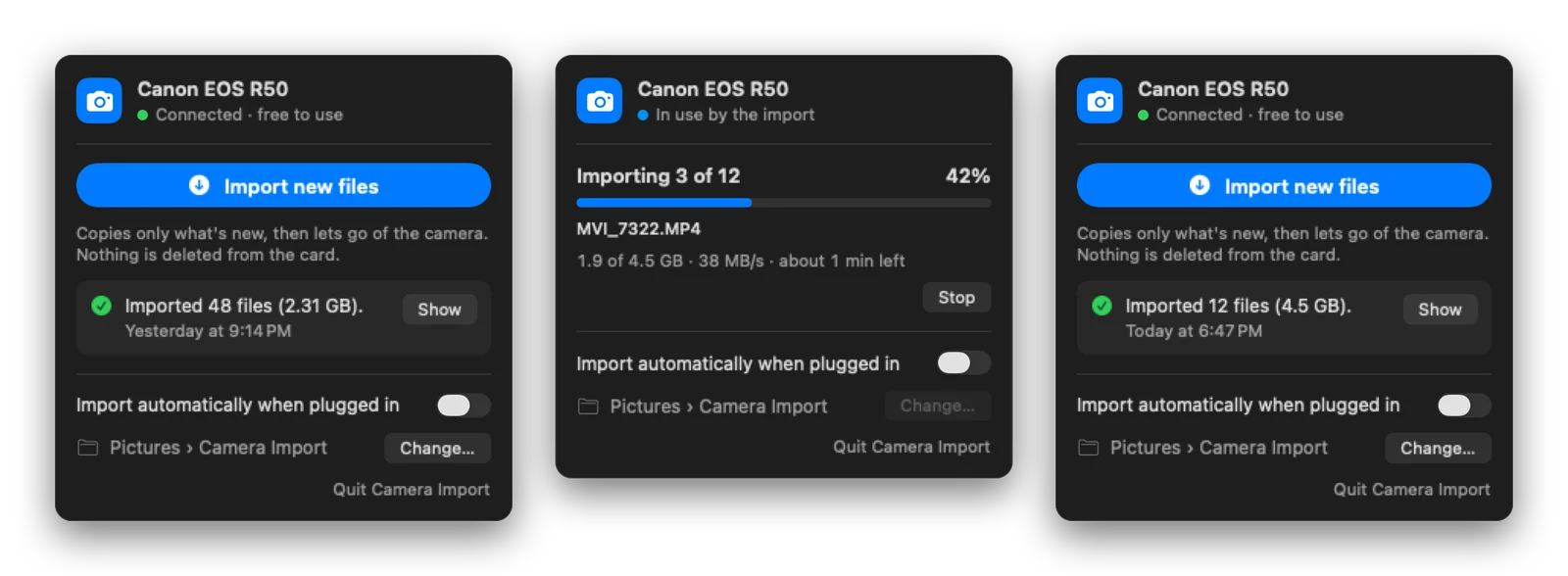
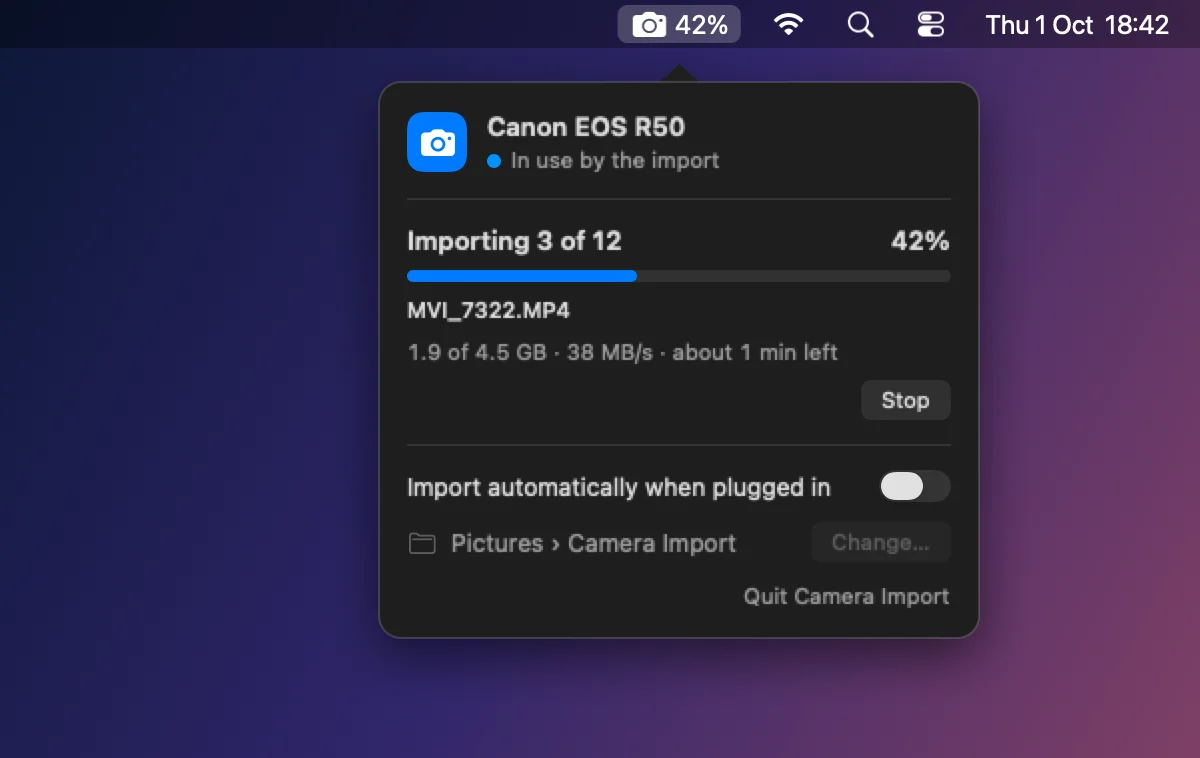
I set up a Canon R50 to film videos, and the first annoyance was getting footage off it. My first fix was a background helper that imported automatically whenever the camera was plugged in. It worked, but the camera then sat on its "connected to computer" screen and wouldn't shoot until I unplugged it, even after the copy had finished.
The cause is how macOS talks to cameras: a system daemon takes exclusive control of a camera for as long as any app is watching for cameras, and most import tools watch all the time.
How it works
Camera Import is split in two. The menu bar app only reads the USB device list, which never claims the camera. When you click Import new files, it starts a short-lived process that opens the camera, copies what's new and exits, and macOS releases the camera the moment the copy is done.
- Copies only new files, into one folder per day
- Live progress in the menu bar, with the file, speed and time left in the panel
- Never deletes anything from the card, and a stopped import never leaves half-written files
- Notices a Canon plugged in as a webcam and tells you which USB mode to switch to
It's native Swift with SwiftUI and AppKit, IOKit for detection and ImageCaptureCore for the transfer. No dependencies, no network access.